

Google describes four ways to use the Gemini Canvas feature
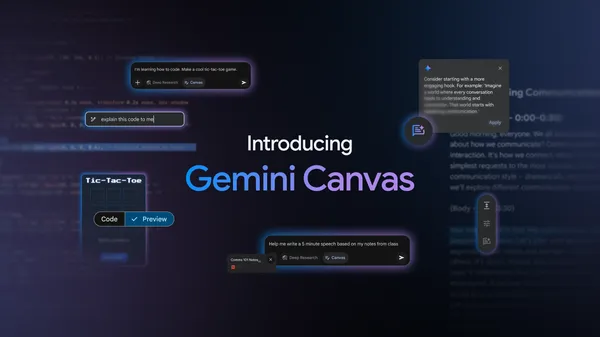
Google described four ways of using Gemini Canvas: creating web applications and games, study tools, office aids from spreadsheets, and interactive text editing directly in the workspace alongside the chat.
Google described, on its official blog for the Gemini product, four ways of using the Gemini Canvas feature, an interactive workspace that is displayed alongside the regular chat. According to the company, it is a tool that lets users work with content visually and interactively, rather than only through text-based conversation.
The described use cases include creating web applications and mini-games, including 3D visualizers and playable browser games, as well as building custom study tools by converting notes or PDF documents into interactive quizzes, flashcards, and practice environments. The third area is designing office productivity tools, where spreadsheets can be turned into sales tracking, price calculators, or task lists. The fourth described use case is editing text directly within the canvas environment — a user can highlight text and ask for the tone to be adjusted, parts to be rephrased, or a document, such as a proposal, to be restructured.
The source does not contain information about pricing, availability for specific plans, or technical limitations of the feature. For details, see the source article.
Why it matters
Gemini Canvas extends the regular chat with a visual and interactive environment, so users and companies can quickly create simple applications, study materials, or internal company tools without programming or separate development, and edit text directly within the environment. This lowers the barrier for small-scale prototyping and everyday productivity tasks that would otherwise require separate software or external developers.
Two audiences, two different impacts
What this means
For individuals
Within a chat, a user can use Gemini Canvas to create their own study aids from notes or PDFs, to build small web games, or to edit and restructure text directly in the interactive environment.
For a business
Companies can use Gemini Canvas to turn spreadsheets into simple internal tools (sales tracking, price calculators, task lists) without the need for separate development, which reduces the time and cost of small internal prototypes.
ProductivityCheck the original
Event sources
only one source so far · 1 publisher, 0 independent. We count feeds from the same owner only once.